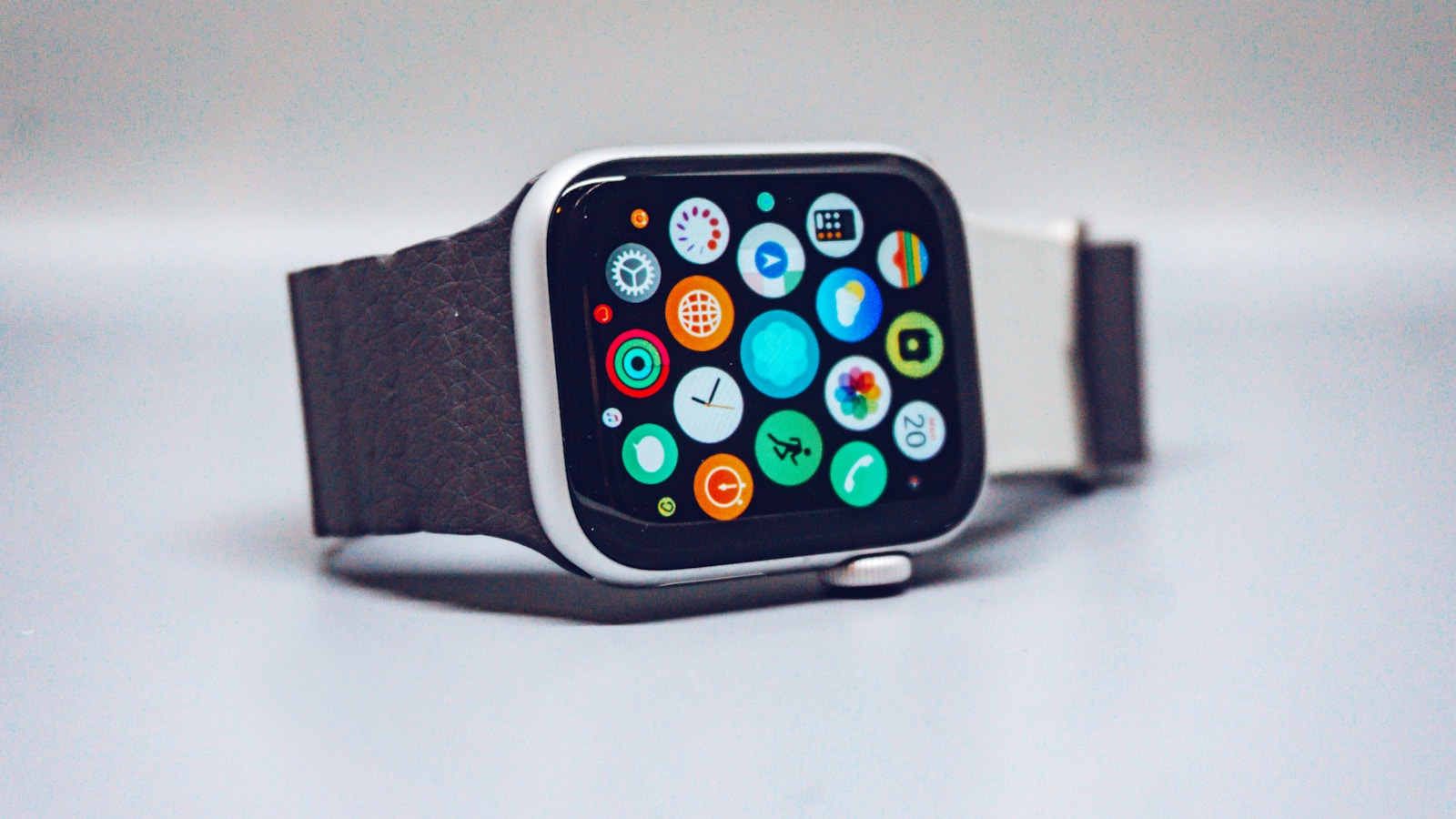
Apple Watch Recovery: How to Actually Use Your Data Every Morning
You wake up, check your Apple Watch, and see a wall of numbers. Resting heart rate: 58 bpm. HRV: 42 ms. Sleep: 6h 12m. Wrist temperature: +0.3°C. Respiratory rate: 17 breaths/min.
Great. Now what?
Apple gives you the raw data but leaves you to figure out what it means. There's no green/yellow/red recovery score like Whoop or Oura. No "you're 82% ready" notification. Just numbers.
The good news? Those numbers tell a clear story — if you know how to read them together. After analyzing thousands of data points from wearable users, here's the morning checklist that actually works.
TL;DR
- Check 3-4 metrics together every morning, not one in isolation — a single bad number rarely means anything
- Resting heart rate is your most reliable recovery signal: consistently elevated = under-recovered
- HRV is your most sensitive signal: a sudden drop usually means stress, illness, or poor sleep
- Wrist temperature spikes before you feel sick — it's your earliest warning system
- Sleep duration matters, but consistency matters more — same bedtime, same wake time
- Century AI connects all these signals automatically so you don't have to play detective with the Health app every morning
YouTube: Related video
The 2-minute morning recovery check
Here's exactly what to look at, in order of importance:
1. Resting heart rate — your foundation
Open the Health app → Browse → Heart → Resting Heart Rate. Look at today's number compared to your 30-day baseline.
- Same as baseline (±2 bpm): normal, body is recovered
- 3-5 bpm above baseline: mild stress, suboptimal sleep, or early illness signal — take it easy
- 6+ bpm above baseline: clear recovery deficit — skip intensity, consider a rest day
- Below baseline: excellent recovery, green light for hard training
Resting heart rate is your most reliable signal because it's the hardest to fake. Alcohol, late meals, poor sleep, illness, overtraining — they all push it up. It's the anchor of any recovery assessment.
Pro tip: Measure sitting on the edge of your bed before standing up. Standing triggers a heart rate increase that masks your true resting value.
2. HRV — your sensitivity layer
Open Health → Browse → Heart → Heart Rate Variability. Apple Watch takes readings throughout the night and occasionally during the day with the Mindfulness app.
- HRV near or above baseline: parasympathetic nervous system is active, body is recovering
- HRV 10-20% below baseline: stress, alcohol, late eating, or training fatigue
- HRV 30%+ below baseline: significant stressor — illness incoming, severe sleep deprivation, or overtraining
The most common mistake is checking HRV once and freaking out. One low reading means nothing. What matters is the trend over 3-7 days.
Apple Watch quirk: Apple measures HRV using SDNN, which tends to give lower absolute values than the rMSSD method used by Whoop and Oura. Don't compare your number to friends using other devices — compare to your own baseline.
3. Wrist temperature — your early warning system
Open Health → Browse → Body Measurements → Wrist Temperature. This only works if you enable Sleep Focus and wear your watch to bed.
- ±0.2°C from baseline: normal variation
- +0.5°C or more: possible illness brewing, poor recovery, or (for women) cycle-related
- Sustained elevation for 2+ nights: your body is fighting something — even if you feel fine
Wrist temperature is the most underrated recovery metric on Apple Watch. It often spikes 24-48 hours before you feel sick. If you see temperature climbing and HRV dropping at the same time, take it seriously — rest now and you might skip the illness entirely.
4. Sleep — duration AND consistency
Open Health → Browse → Sleep. Look at both time asleep and your sleep schedule consistency.
- Under 6 hours: recovery is compromised regardless of other metrics
- 7-8 hours: sweet spot for most people
- Sleep schedule varies by 1+ hours: worse for recovery than slightly less sleep at consistent times
Sleep consistency is arguably more important than total duration. Going to bed at 10pm one night and 1am the next disrupts your circadian rhythm even if you sleep 8 hours both nights. Your body's recovery processes — hormone release, tissue repair, HRV restoration — run on a schedule.
How to combine all four signals
This is where most people get stuck. Here's the decision framework:
| RHR | HRV | Wrist Temp | Sleep | Verdict |
|---|---|---|---|---|
| Normal | Normal | Normal | 7-8h | Green light — train as planned |
| Normal | Slightly low | Normal | 6-7h | Yellow — train but reduce volume 10-20% |
| Elevated | Low | Elevated | Under 6h | Red — rest day or very light active recovery |
| Elevated | Normal | Normal | Normal | Watch closely — could be early illness or accumulated fatigue |
The red flag combo is elevated RHR + dropping HRV + rising temperature. When all three move in the wrong direction, your body is under significant stress whether you feel it or not.
What Apple doesn't tell you (but should)
Apple Watch has all the sensors needed for a recovery score. The hardware is there. But Apple intentionally doesn't combine the signals — they give you individual metrics and let third-party apps fill the gap.
This is by design. Apple avoids making health claims that could attract FDA scrutiny. But it leaves you doing mental math every morning.
This is exactly why Century AI exists. Instead of manually cross-referencing four different Health app screens, Century pulls in your Apple Watch data — RHR, HRV, sleep, temperature, respiratory rate — and connects the dots automatically. It spots patterns you'd miss: the three-day HRV decline that preceded your last cold, the sleep schedule drift that correlates with your Monday fatigue, the temperature bump that always shows up after heavy leg days.
You don't need another device. You just need someone — or something — to read the data your Apple Watch already collects.
Common recovery mistakes
Mistake 1: Checking one metric in isolation
Your HRV dropped 15%. Panic? Not if your RHR is normal and you slept 8 hours. Single-metric thinking leads to bad decisions. Always check at least 3 signals.
Mistake 2: Comparing to friends
Your HRV baseline is yours. A 35 ms baseline at age 40 is fine if that's your normal. A 70 ms baseline that drops to 50 is concerning even though 50 is "higher" than your friend's 35. Trend matters more than absolute value.
Mistake 3: Expecting perfect scores every day
Recovery fluctuates. Training days should lower recovery temporarily — that's how you get stronger. A yellow recovery day after a hard workout is expected. Red days after several yellows in a row? That's when to back off.
Mistake 4: Ignoring lifestyle factors
Alcohol can tank HRV for 2-3 days. A late meal elevates RHR overnight. A new medication can shift your entire baseline. Recovery data without context is noise.
The bottom line
Your Apple Watch is a recovery lab on your wrist. Every morning it hands you resting heart rate, HRV, temperature, and sleep data — a complete picture of how your body handled yesterday's stress and whether it's ready for today's.
The trick isn't collecting more data. It's connecting what you already have. Check RHR first (your anchor), HRV second (your sensitivity layer), temperature third (your early warning), sleep fourth (your foundation). When they agree, trust the signal. When they disagree, dig deeper.
Or let Century do it for you — it reads all four every morning so you can spend two minutes making a decision instead of ten minutes finding the data.
Ready to stop guessing? Try Century AI free and get a morning recovery check that actually connects all your Apple Watch signals — no mental math required.