Apple Watch Blood Oxygen: What's Normal, When to Worry, and How It Actually Works
You wake up, check your Apple Watch, and see your blood oxygen dipped to 92% last night. Your first instinct? Google it. Your second instinct? Panic when you see results mentioning "hypoxemia" and "see a doctor."
Here's the thing most people don't realize: a single low blood oxygen reading from your Apple Watch almost never means what you think it means. The sensor is measuring light reflecting off blood vessels in your wrist — not a direct arterial blood draw. Your sleeping position, how tight your watch band is, and even the temperature of your wrist can all affect the reading.
But that doesn't mean blood oxygen tracking is useless. Far from it. When you understand what the data actually tells you — and what it doesn't — it becomes one of the most useful health signals your Apple Watch provides. The trick is knowing the difference between a bad reading and a real signal.
TL;DR
- Normal blood oxygen is 95–100% — and Apple Watch readings of 95%+ are typical for healthy adults at sea level.
- Nighttime dips to 90–94% are common and usually harmless — they're often caused by sleep position, wrist placement, or the sensor struggling in the dark.
- Altitude changes everything — if you're above 5,000 feet, readings in the low 90s are completely normal. Your body adapts over 1–2 weeks.
- Trend is everything — one low reading means nothing. Sustained drops over multiple nights, especially combined with other symptoms, deserve attention.
- Century AI connects your blood oxygen trends with sleep quality, respiratory rate, and resting heart rate — so a single blip doesn't send you spiraling.
YouTube: How Blood Oxygen measurement works
How the Apple Watch blood oxygen sensor actually works
The Apple Watch doesn't draw blood. Instead, it uses reflectance pulse oximetry — a mouthful that means "shining light into your wrist and measuring what bounces back."
Here's what happens: the back of your Apple Watch has red and infrared LEDs alongside photodiodes (light detectors). Oxygen-rich blood is bright red and absorbs more infrared light. Oxygen-poor blood is darker and absorbs more red light. By comparing how much of each wavelength is absorbed, the Watch calculates your blood oxygen saturation as a percentage.
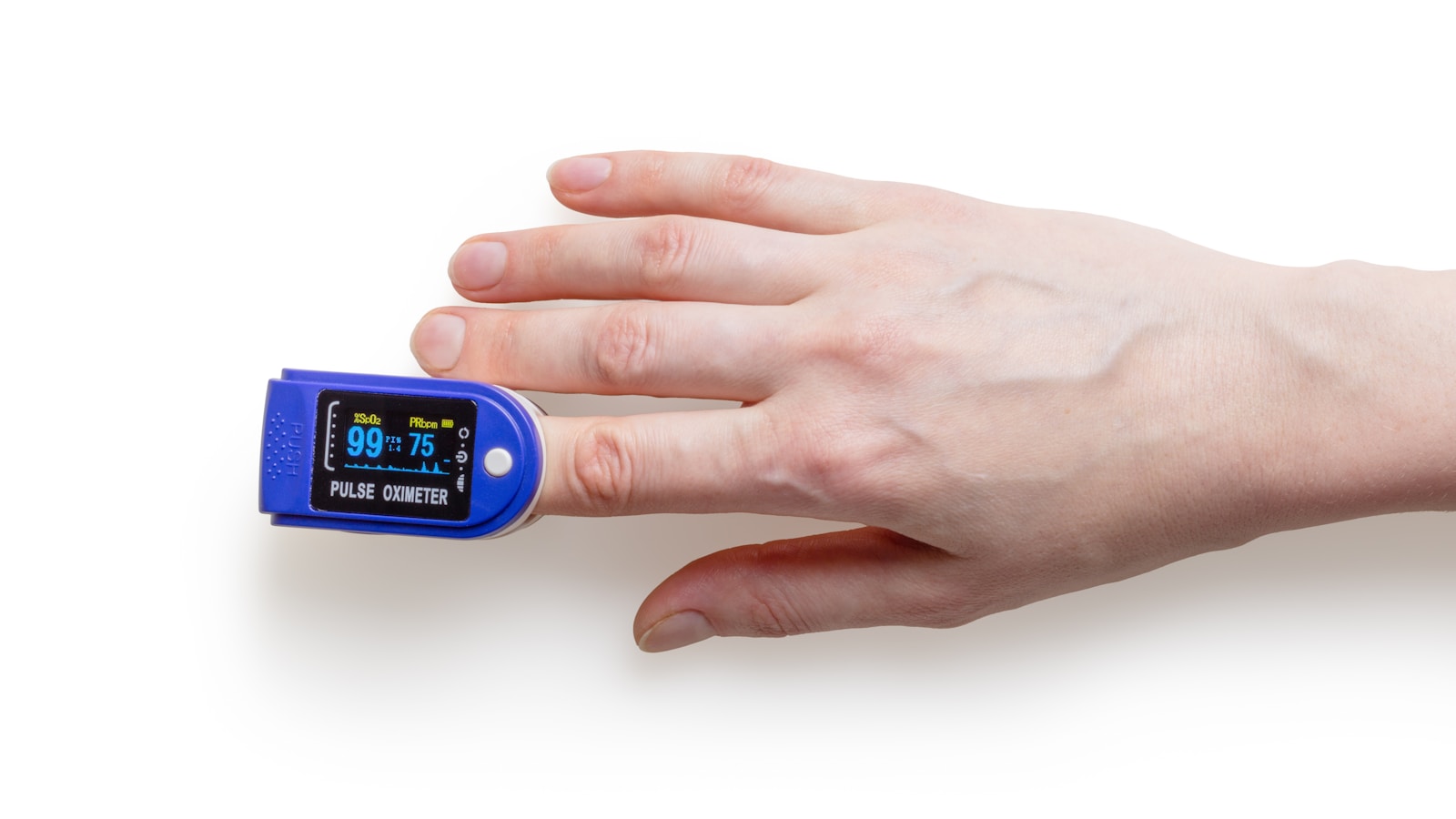
This is the same principle used by the finger-clip pulse oximeters in hospitals. But there's a crucial difference: your wrist is a much harder place to measure from than your fingertip. There's less blood flow near the surface, more movement, and more interference from bone and tissue. This is why Apple Watch readings can sometimes be less consistent than a medical-grade device — and why you shouldn't treat a single reading as gospel.
What affects the reading (besides your actual oxygen level)
- Watch band tightness. Too loose and the sensor can't get a good reading. Too tight and you restrict blood flow, which changes the measurement.
- Wrist temperature. Cold wrists have less blood flow near the surface, making readings harder to get — and sometimes lower.
- Movement. The sensor needs stillness. If you're tossing and turning in your sleep, some readings will be unreliable.
- Sleep position. Lying on your arm can compress blood vessels and temporarily reduce the reading.
- Tattoos. Dark ink over the sensor area can block the light entirely.
- Skin tone. Very dark skin can absorb more light, potentially affecting accuracy — though Apple has worked to calibrate for this.
What's normal — and what's not
During the day (awake, at rest)
For a healthy adult at sea level, a blood oxygen reading of 95–100% is normal. Most Apple Watch users see daytime readings of 96–99%.
Readings between 90–94% during the day, when you're awake and at rest, are worth paying attention to — especially if they're consistent across multiple measurements. But a single low reading during the day is almost always a measurement error. Take another reading after adjusting your watch and sitting still for 30 seconds.
During sleep
This is where most of the confusion happens. It's completely normal for blood oxygen to dip slightly during sleep — especially during REM sleep when breathing patterns change. Background readings from your Apple Watch during sleep often show values of 90–94%, and this is not cause for alarm in an otherwise healthy person.
Sleep position plays a huge role. If you sleep on your side with your arm under your body or pillow, you're compressing the blood vessels in your wrist. The Watch sensor sees less blood flow and interprets it as lower oxygen saturation. This is a measurement artifact, not a health problem.
At altitude
If you live in or visit a high-altitude location, everything changes:
- 5,000–8,000 feet (Denver, Mexico City): Readings of 92–95% are normal.
- 8,000–11,000 feet (ski resorts, Cusco): Readings of 88–93% are expected.
- Above 11,000 feet: Readings can drop into the mid-80s, which is normal for unacclimatized visitors.
Your body adapts over 1–2 weeks by producing more red blood cells. During that adaptation period, your Apple Watch readings will gradually improve — and that improvement itself is a fascinating signal to track.
When to pay attention
A one-time low reading is noise. Here's when the signal deserves your attention:
- Sustained daytime readings below 92% over multiple days — especially if you're at sea level and using the Watch correctly.
- Nighttime readings consistently below 88% — this could indicate sleep apnea or another breathing issue during sleep.
- A sudden drop from your baseline that persists for more than 3–4 nights and can't be explained by altitude, alcohol, or sleep position.
- Low readings combined with other symptoms — shortness of breath, chest pain, confusion, bluish lips or fingertips. These are medical emergencies regardless of what your Watch says.
If you have a diagnosed respiratory condition (COPD, asthma, COVID recovery), discuss your Apple Watch blood oxygen trends with your doctor. The data can be useful for monitoring, but it should never replace medical-grade pulse oximetry for clinical decisions.
How blood oxygen fits into your bigger health picture
Blood oxygen doesn't exist in a vacuum. It's most useful when you view it alongside other metrics your Apple Watch tracks:
- Respiratory rate during sleep. If your breathing rate spikes at the same time your oxygen dips, that's a stronger signal than either metric alone.
- Resting heart rate. Your heart compensates for lower oxygen by beating faster. If both metrics shift in the wrong direction simultaneously, pay attention.
- Sleep quality. Frequent awakenings combined with oxygen dips could point to sleep-disordered breathing.
- HRV. Chronic low oxygen saturation stresses your autonomic nervous system, which shows up as reduced heart rate variability.
This is where Century AI makes a real difference. Instead of checking five different screens in the Health app and trying to mentally cross-reference data points, Century gives you a single recovery score that already weighs all of these signals together. A dip in blood oxygen that's confirmed by a rise in respiratory rate and resting heart rate triggers a different recommendation than a dip that happens in isolation. Century connects the dots so you don't have to.
Practical tips for better blood oxygen readings
- Wear your Watch snug but not tight — you should be able to slide one finger between the band and your wrist.
- Keep your wrist warm. Cold weather restricts blood flow. If you're getting consistently low readings in winter, this might be why.
- Take manual readings while seated, arm resting on a table, watch facing up. This is the position Apple designed the sensor for.
- Don't obsess over individual readings. The background measurements taken during sleep are less controlled than a manual daytime reading. Focus on trends, not single data points.
- If you travel to altitude, give yourself grace. Your Watch isn't broken — your body is adapting. Track the adaptation curve rather than worrying about absolute numbers.
Quick summary
- Normal blood oxygen is 95–100% for healthy adults at sea level; nighttime dips to 90–94% are common and usually harmless.
- Single low readings are almost always measurement errors — check your watch fit, wrist temperature, and body position before worrying.
- Altitude dramatically affects readings; expect values in the low 90s at 5,000+ feet and values in the 80s above 10,000 feet.
- Trends matter more than individual readings. Multiple nights of sustained drops deserve attention, especially alongside other symptoms.
- Blood oxygen is most useful when viewed alongside respiratory rate, resting heart rate, and sleep quality — not in isolation.
Century AI connects your Apple Watch data — blood oxygen, respiratory rate, HRV, resting heart rate, and sleep — into one clear daily picture. No guesswork, no cross-referencing six Health app screens. Just actionable insight from the watch you already wear.